Public Wi-Fi that actually holds up
A slow Wi-Fi complaint is rarely about the router alone.
September 2, 2026 · 3 min read
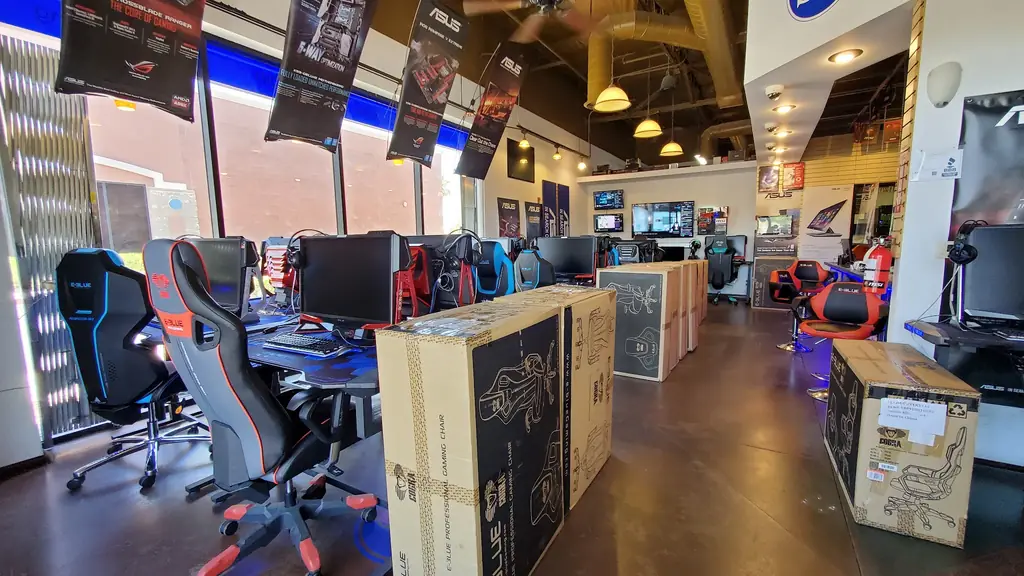
If you run a cafe, a retail shop or a clinic in the Avondale area, you've probably heard some version of the same complaint. The Wi-Fi is slow, or it drops, or a customer's phone can't get on it at all during a busy stretch. Most of the time the problem isn't a bad router. It's that the network was set up for a quiet Tuesday morning rather than the actual mix of customers, staff and devices trying to use it at once, and coverage and capacity are two different problems that end up getting treated as one.
Coverage isn't the same as capacity
Coverage is simply whether a Wi-Fi signal physically reaches every corner of your space, the back office, the far booth, the waiting room past the reception desk. Capacity is a separate question: whether the network can handle everyone trying to use it at the same time without slowing to a crawl. A single router can often cover a small space just fine and still fall over the moment fifteen phones, two point-of-sale terminals and a laptop in the back office are all pulling data through it at once. Fixing a coverage problem usually means adding access points. Fixing a capacity problem means planning the network itself differently, not just adding more radios in more corners.
This matters even more if phone calls run over the same connection, since a call is far less forgiving of a crowded network than a slow webpage. A call that breaks up or drops mid-sentence is usually a capacity problem showing up as bad audio, rather than a fault with the phone system itself.
Keep guest Wi-Fi away from the till
One network doing double duty for customers and for your own business systems is one of the most common setups worth changing. A guest network for customer phones and laptops should sit on its own separate connection from whatever runs your point-of-sale terminal, your back office computers and anything holding customer or payment data. That way a guest streaming video or downloading something large doesn't slow down the till, and more importantly, a guest device never sits on the same network as the systems actually running your business. The same separation matters for video surveillance and alarm systems tied into the network, which should sit apart from guest traffic for the same reason a till should. JCO Computers sets up wired and wireless networking, including public Wi-Fi hotspots, built with that separation in mind rather than as an afterthought.
When you need a WISP link, not just a better router
Some locations simply don't have a practical wired internet option, or the wired service available is too slow or too unreliable for what the business actually needs. That's what a WISP, a wireless internet service provider link, is for: a fixed wireless connection that delivers internet service to a building without running a physical line to it. It's a different tool solving a different problem than a stronger in-store router, and mixing the two up is a common reason a business ends up frustrated with Wi-Fi that was never going to fix the underlying connection it depends on. JCO Computers offers WISP connections alongside its networking and Wi-Fi hotspot work across Avondale and the Phoenix Metro.
Whether the issue is coverage, capacity, or the connection coming into the building in the first place, it's worth having someone look at the whole setup rather than guessing at another router. JCO Computers works with businesses across Avondale and the Phoenix Metro on networking, Wi-Fi and VoIP. Call (480) 626-8585 or see more on the /services/networking-voip page.
JCO Computers, (480) 626-8585
Call (480) 626-8585More articles
Your laptop won't turn on. Here's what actually happens next.
A dead laptop and a dead hard drive are two different things, and the difference decides whether your files come back.
What a fixed-price IT plan actually covers
Managed IT means paying to keep things from breaking instead of paying after they already have.