What a fixed-price IT plan actually covers
Managed IT means paying to keep things from breaking instead of paying after they already have.
September 2, 2026 · 3 min read
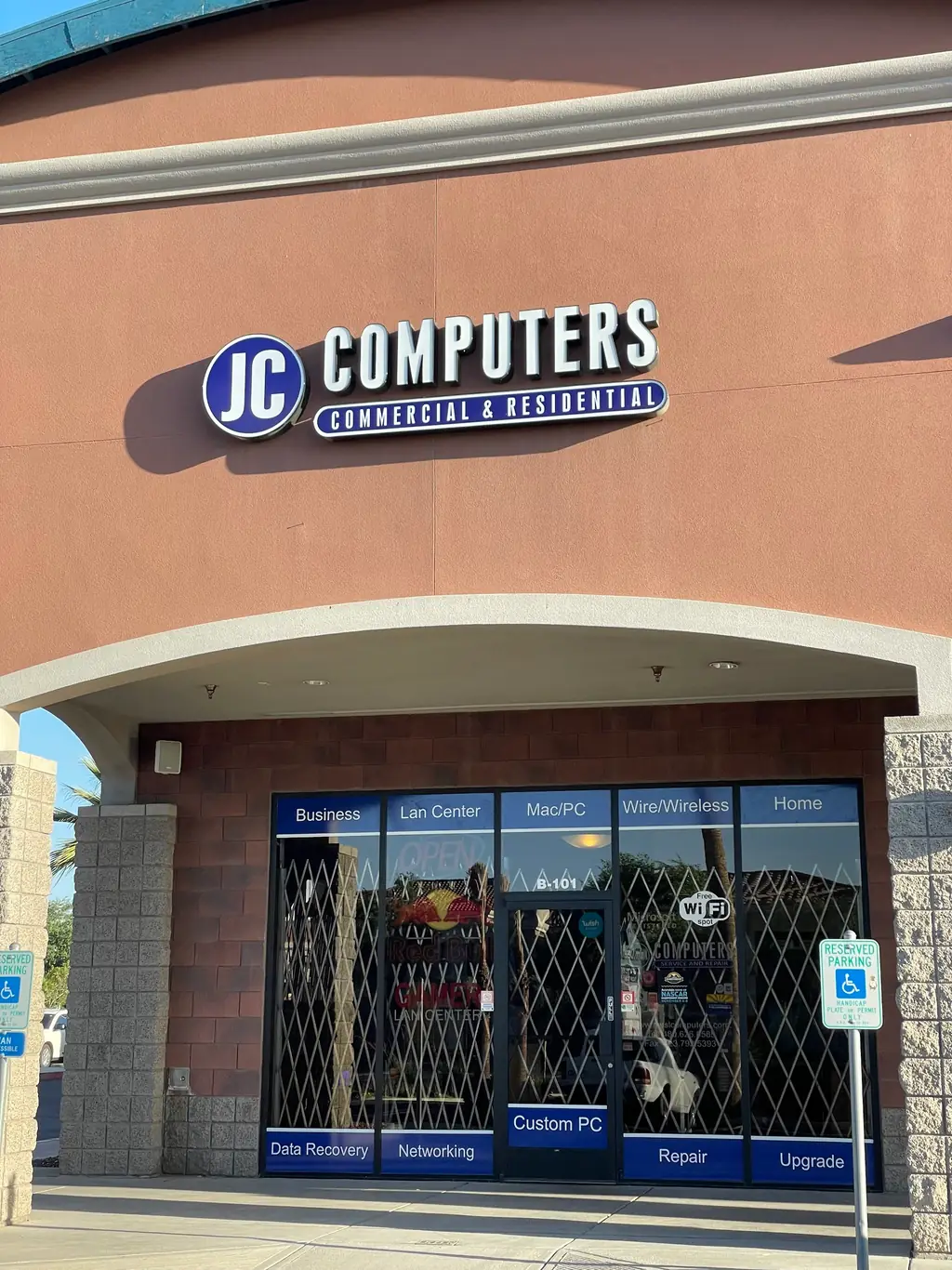
Most small businesses handle their computers the same way for years. Everything runs fine, nobody thinks about it, and then something breaks and it's suddenly the only thing that matters that day. That's the call-someone-when-it-breaks model, and it works right up until the day it doesn't. JCO Computers has built its managed IT business around the opposite idea, summed up in their own words as total IT support that provides stability and peace of mind, all for a fixed monthly price. It's a different way of paying for the same problem. Instead of a surprise bill and a day of lost work when something fails, you pay a known amount every month to keep it from failing in the first place, and someone is actually watching for the failure before it happens.
The cost of waiting for it to break
Unpatched software is one of the most common doors attackers use to get into a small business network, and the cost of getting caught out is real money, not just an inconvenience. Cyber-attacks cost businesses an average of three million dollars in 2018, according to the Ponemon Institute. Most small businesses will never see a number that large attached to a single incident, but the pattern behind it holds at any size. The businesses that get hurt worst are almost always the ones that found out about a problem after it had already spread, rather than catching it while it was still one flagged alert on a network somebody was actually monitoring.
What a fixed monthly price actually includes
A managed IT plan isn't a vague promise to help when something goes wrong. It's a defined set of ongoing work that happens whether or not you ever notice it, covering the network itself and the individual machines, websites, DNS records and email servers that depend on it.
- 24x7 monitoring of network devices, servers, websites, DNS records and email systems
- Proactive maintenance and patch management for operating systems and third-party software
- Layered security and managed backups, tracked rather than assumed
- A help desk with remote access for day-to-day interruptions
- IT consulting to plan ahead instead of reacting after something fails
Underneath the plain language, monitoring like this runs on real protocols working continuously in the background: SNMP, Syslog and Traps for catching device-level problems the moment they happen, and traffic analysis tools like NetFlow, sFlow and IPFix for seeing how a network is actually being used. None of that has to mean anything to you as the business owner. What it means in practice is that a dying switch, a failing backup job, or an overloaded connection gets flagged and looked at long before it turns into a call from your own staff saying nothing is working.
Why a fixed price changes the incentive
There's a quieter benefit to paying a fixed monthly price that's easy to miss. Under a break-fix arrangement, the provider only gets paid when something is wrong, which puts no particular pressure on anyone to prevent the next problem. Under a fixed monthly plan, the incentive flips, because keeping your systems running is how the relationship works, not an unpaid extra on top of a bigger invoice. That's also part of why JCO Computers is upfront about not price gouging the way big box stores sometimes do on the news, pushing customers to throw away a machine and buy the latest replacement rather than fix or maintain what they already have.
Certified technicians can handle managed IT on-site or remotely, whichever suits how your business actually runs day to day. JCO Computers has served small businesses across Avondale and the Phoenix Metro since 2005, family owned the whole way through. To see what a fixed-price plan would look like for your business, call (480) 626-8585 or read more on the /services/managed-it page.
JCO Computers, (480) 626-8585
Call (480) 626-8585More articles
Your laptop won't turn on. Here's what actually happens next.
A dead laptop and a dead hard drive are two different things, and the difference decides whether your files come back.
Custom build or off-the-shelf?
The right answer depends on what you actually do with the machine, not on which one sounds more impressive.